> For the complete documentation index, see [llms.txt](https://help.tribelio.com/llms.txt). Markdown versions of documentation pages are available by appending `.md` to page URLs; this page is available as [Markdown](https://help.tribelio.com/audience/cara-manage-audiens-yang-kamu-miliki/cara-mengintegrasi-ke-facebook-audience.md).
# Cara Mengintegrasi ke Facebook Audience
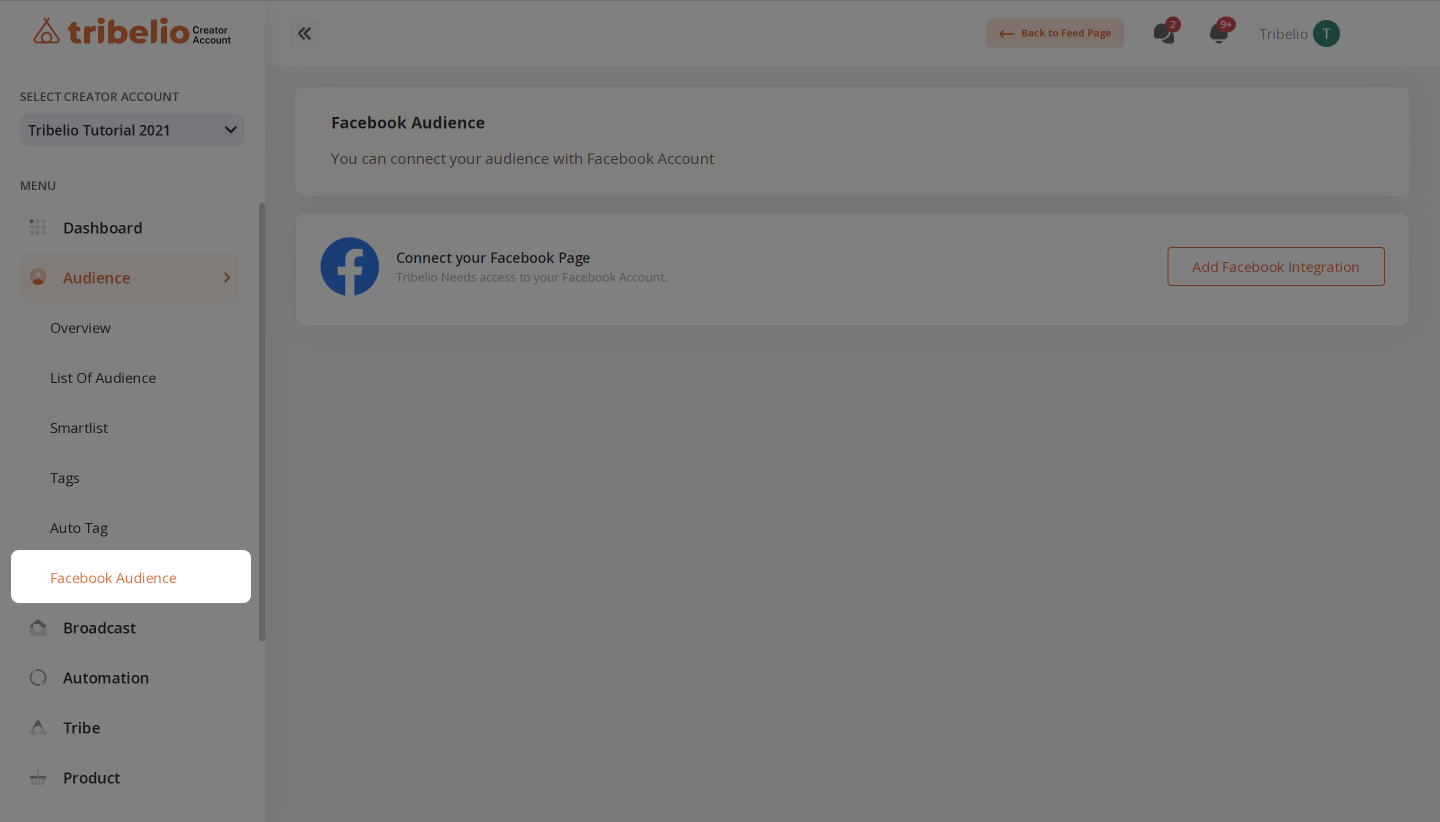
Berikut cara meng-integrasi data audiens dengan Facebook Business Manager.
### Tutorial Facebook Audience
Tutorial Facebook Audience
1. **Login** dengan akun Tribelio kamu
2. Klik **Profile** kamu, klik "**Creator Account**", lalu pilih **Creator Account** yang ingin kamu gunakan
3. Klik fitur "**Audience**"
4. Klik "**Facebook Audience**"
5. Klik "**Add Facebook Integration**" dan Login ke akun Facebook kamu
6. Klik "**Synchronization**" mengintegrasi dengan Akun Business Facebook kamu
7. Jika kamu belum punya **Ads Account Facebook**, kamu bisa membuat Ads Account Facebook
8. Pilih **Bussiness Account Facebook** kamu